The 3 project communication methods per PMBOK 8: Push, Pull, and Interactive — clear distinctions, when to use each, and common PMP exam traps.
You send an email announcing a scope change to the entire team — two days later, the developer is still coding to the old requirements. The sponsor complains they don't know where the project stands despite having "reports on SharePoint." A new PM is scheduling meetings with everyone to ask a question that could be answered by email in 30 seconds.
Push, Pull, and Interactive Communication are the three project communication methods that PMBOK® Guide 8 classifies under the Plan Communications Management process. Each method fits a different context — choosing the wrong one doesn't just slow the project down; it's also one of the most common sources of scenario questions in the PMP® exam.
This article goes straight into each method: definition, when to use it, common mistakes — plus a decision table and three scenario questions in real exam format.
Key Takeaways
Push: actively sends information to specific recipients — email, reports, memos. Guarantees delivery, not receipt or understanding.
Pull: places information where recipients access it themselves — SharePoint, Confluence, intranet. Best for large volumes and broad audiences.
Interactive: real-time two-way exchange — meetings, calls, video conferences. Most effective for mutual understanding, most time-consuming.
On the PMP exam, questions ask which method is most appropriate for a specific context — no single method is universally superior.
Agile prioritizes Interactive (face-to-face), but still uses Pull (wiki, boards) and Push (release notes) depending on context.
Why Distinguish These Three Communication Methods?
PMBOK® Guide 8 (Section 2.5.2.3) lists communication methods as one of the Tools & Techniques for the Plan Communications Management process. These three methods are not mutually exclusive alternatives — in real projects, all three are used simultaneously, each serving a different purpose.
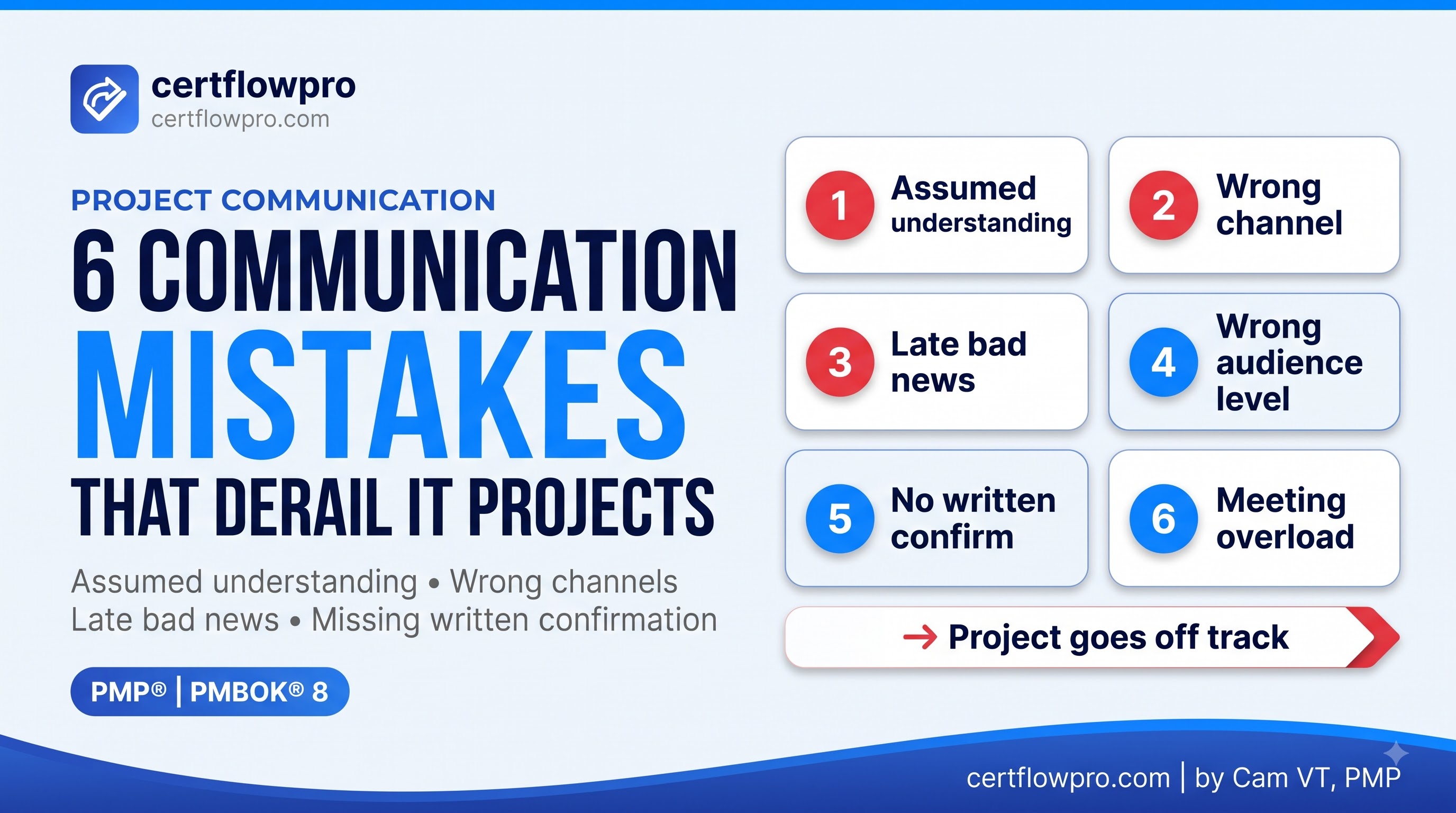
Problems arise when a PM applies the wrong method: using Push for information that requires confirmed understanding (when Interactive was needed), using Interactive for simple reference information (a 30-minute meeting that email could handle), or skipping Pull and forcing the team to ask the same questions repeatedly.
The People Domain accounts for 33% of the PMP exam, and Task 8 — Plan and Manage Communication — is one of the richest sources of scenario questions. Understanding these three methods helps you recognize the scenario and select the answer that matches the PMI mindset.
Push Communication — Sending Information Proactively
Push communication means sending specific information to specific recipients without requiring them to actively seek it out. Information is "pushed" directly to the recipient's inbox or desk.
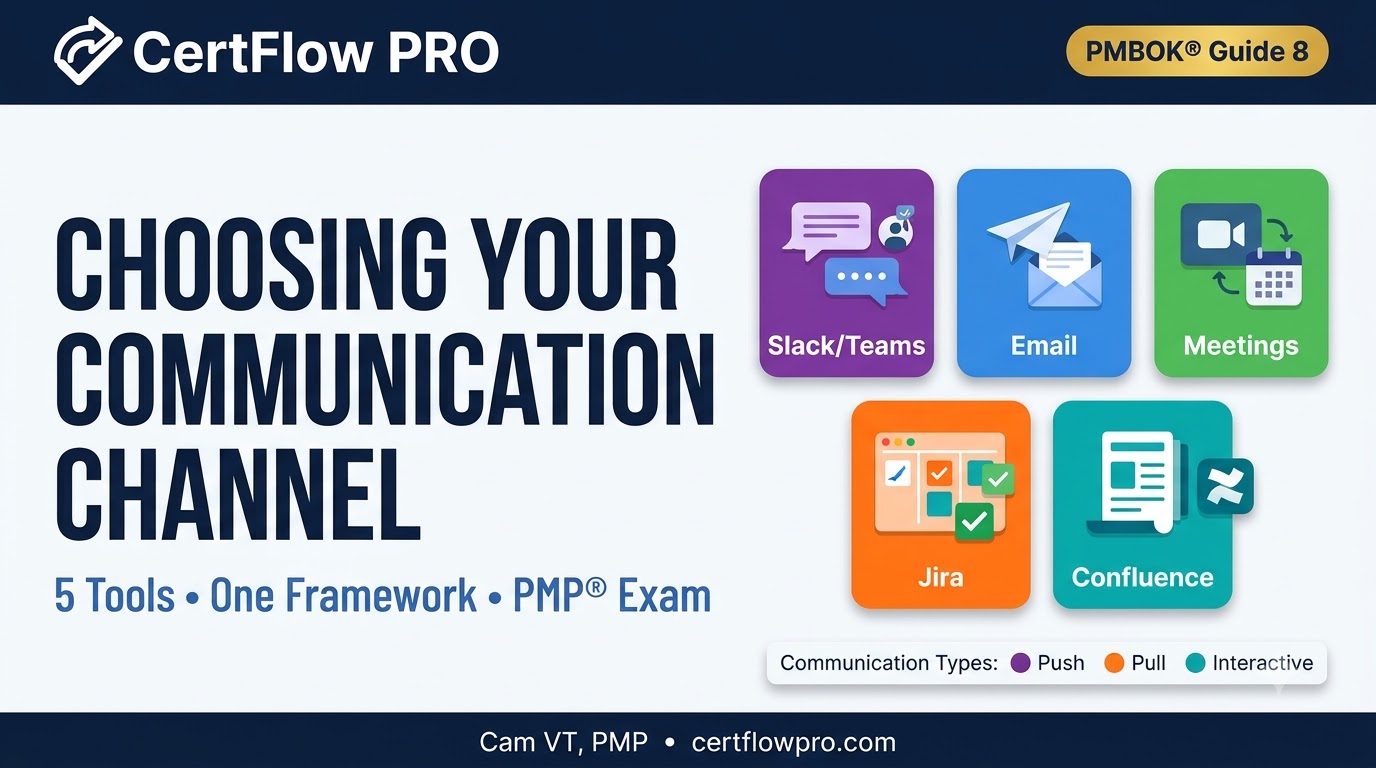
Typical examples: email, memos, periodic status reports, newsletters, fax, Slack/Teams messages, automated system notifications.
Key point: Push guarantees that information was sent — but does not guarantee it was read, understood, or acted upon. This is the nuance most often missed in exam questions.
When to Use Push?
One-way information requiring no immediate response: weekly progress reports, release notes, meeting schedule changes.
Identified recipients in manageable numbers: sending to exactly the stakeholder list that needs to know, not the entire team.
Content that is already clear and needs no further explanation: "Sprint 3 complete, Sprint 4 begins Monday."
When an audit trail of delivery is required: approved change requests, formal escalations.
Common Push Mistakes
Push replacing Interactive: sending an email to announce a critical scope change instead of holding a meeting to ensure understanding. The email reaches the inbox, but the developer interprets it differently than the PM intended.
Over-pushing: sending so many emails that stakeholders stop reading them, causing important information to get buried in an overflowing inbox.
Confusing Push with "having communicated": PM says "I sent the email" but hasn't confirmed the recipient understood — per the PMI mindset, the PM remains responsible for ensuring information reaches the right person at the right time.
Pull Communication — Recipients Access Information Themselves
Pull communication means placing information in a shared repository where recipients access it when they need it. Information is "pulled" from storage rather than pushed to each individual.
Typical examples: SharePoint, Confluence, Google Drive, intranet portals, project wikis, e-learning platforms, technical documentation databases, Jira boards, GitHub README files.
Key point: Pull works best when the volume of information is large and the audience is broad — not everyone needs to read everything, and not everyone needs it immediately. Pull also suits reference information with a long shelf life.
When to Use Pull?
Reference information that isn't time-sensitive: design documents, onboarding procedures, archived meeting minutes, lessons learned.
Broad and undefined audiences: technical documentation for any developer who joins the team in the future.
High-volume, lookup-style content: a 50-page requirements document — no one wants the whole thing in their email.
Continuously updated information: project dashboards, risk registers — update once, everyone sees the latest version.
Common Pull Mistakes
Pull without notification: uploading a document to SharePoint without sending an email (Push) notifying stakeholders it's there. Result: no one knows to go look.
Pull for urgent information: posting a critical risk notice to the portal instead of sending a direct email — recipients don't know to check it in time.
Pull without maintenance: outdated documents on SharePoint that no one updates, causing the team to gradually lose trust in the repository.
Interactive Communication — Real-Time Two-Way Exchange
Interactive communication means a real-time, two-way exchange between two or more parties. Both sender and receiver participate actively, with the ability to ask and answer questions immediately.
Typical examples: in-person meetings, video calls, phone calls, instant messaging chat, pair programming, sprint reviews, retrospectives, daily standups.
Key point: Interactive is the most effective method for ensuring mutual understanding — both parties genuinely comprehend each other. It is also the most time-consuming method and the hardest to scale as the number of stakeholders grows.
When to Use Interactive?
Complex information requiring explanation and confirmed understanding: introducing new requirements, explaining architectural changes.
Decisions requiring consensus: major change requests, go/no-go decisions.
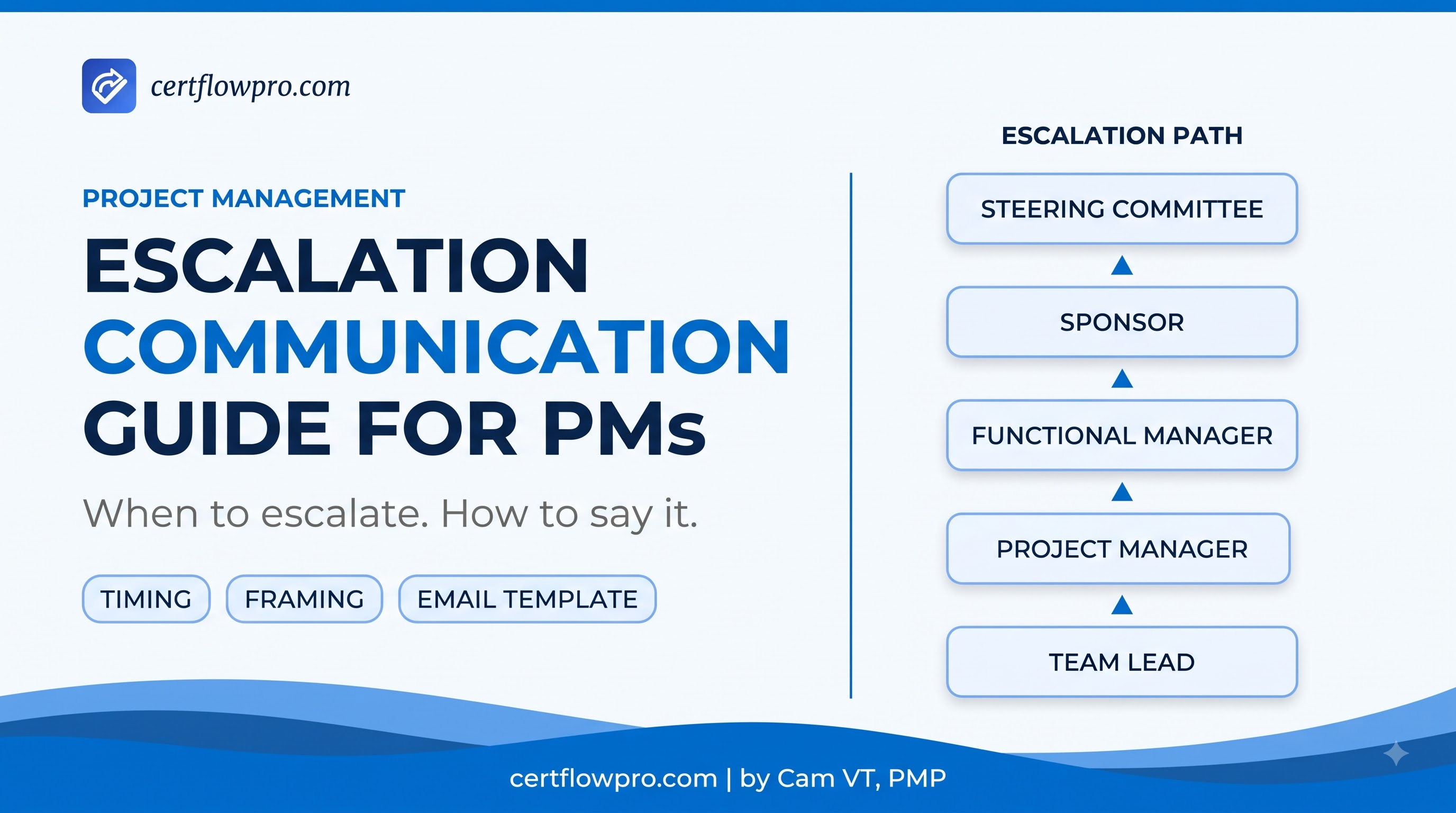
Conflicts or sensitive issues: conflict resolution, delivering bad news, escalations.
Brainstorming and creative collaboration: kickoffs, retrospectives, lessons learned sessions.
Key stakeholders who need to feel heard: executives, senior clients.
Common Interactive Mistakes
Overusing Interactive: scheduling meetings for everything, including things email could resolve in 2 minutes — "meeting fatigue" erodes the effectiveness of truly important meetings.
No Push follow-up after Interactive: finishing a meeting without sending minutes — decisions aren't documented, and two weeks later no one remembers who committed to what.
Interactive without the right people: holding a technical decision meeting without inviting the Tech Lead, rendering the meeting outcome valueless.
Quick Comparison: 3 Communication Methods
Dimension | Push | Pull | Interactive |
|---|---|---|---|
Information flow | One-way, sender-initiated | One-way, recipient-initiated | Two-way, real-time |
Examples | Email, memo, report, Slack message | SharePoint, Confluence, wiki, Jira | Meeting, call, video conference |
Guarantees delivery? | Yes | No (recipient must access) | Yes (direct interaction) |
Guarantees understanding? | No | No | Highest of the three |
Best when | Clear content, identified recipients, audit trail needed | High volume, broad audience, long-term reference | Complex, consensus needed, sensitive |
Time cost | Low | Low (one-time setup) | Highest |
Scales with large teams? | Well | Best | Poorly (more people = more time) |
Decision Framework: Which Method to Choose?
Rather than memorizing rules, use these three questions to select the right method — both on real projects and in exam questions:
Question 1: Is the information complex or sensitive?
If yes → Interactive (explanation, confirmation, and understanding are needed).
If no → continue to Question 2.
Question 2: Are recipients specifically identified, and is the number manageable?
If yes → Push (send directly to the right people).
If no (broad, undefined audience) → continue to Question 3.
Question 3: Does the information need repeated access or is it high-volume?
If yes → Pull (place in a repository).
If no → Push as a broadcast (email to a large list).
In practice, a single communication event typically uses a combination: Interactive to discuss → Push to distribute meeting minutes → Pull to store long-term documentation.
How Do Predictive, Agile, and Hybrid Projects Use Each Method?
Dimension | Predictive | Agile | Hybrid |
|---|---|---|---|
Preferred methods | Push (formal reports, meeting minutes) + Pull (project portal) | Interactive (daily standup, sprint ceremonies) + Pull (wiki, board) | Interactive for the team; Push + Pull for external stakeholders |
How Push is used | Weekly status reports, formal memos, change request notifications | Release notes, sprint summaries sent to stakeholders outside the team | Formal reports for steering committee; informal updates for the agile team |
How Pull is used | Project Management Plan, risk register on portal | Backlog, definition of done, wiki on Confluence | Formal documentation on portal for governance; agile artifacts for the team |
How Interactive is used | Kickoff, steering committee, escalation meetings | Daily standup, sprint planning, review, retrospective — the backbone of agile communication | Sprint ceremonies for the team; milestone meetings for senior stakeholders |
Important PMI mindset note: The Agile Manifesto values "individuals and interactions over processes and tools" — which is why Interactive is prioritized in Agile. But Agile doesn't eliminate Push or Pull; they still appear in more fitting formats (e.g., release notes instead of formal status reports).
PMP Exam Tips: Communication Method Question Patterns
PMI Mindset on Communication Methods
Exam questions about Push/Pull/Interactive typically present a specific scenario and ask which method is most appropriate. Key signals to identify each type:
Push signals: "notify", "inform", "send", "distribute", "provide status update", "ensure stakeholders are aware"
Pull signals: "large audience", "reference material", "knowledge repository", "stakeholders can access when needed", "volume of information"
Interactive signals: "ensure understanding", "complex topic", "conflict", "decision needed", "sensitive information", "mutual agreement", "clarify requirements"
Common trap: a question describes a PM who "sent an email" but a stakeholder "still doesn't know" — the correct answer is usually that the PM should have used Interactive instead of Push, because the information was too important to deliver only by email.
Key distinction: "communication technology" (the tool: email platform, meeting platform, portal) ≠ "communication methods" (the approach: Push/Pull/Interactive). Both appear as T&T under Plan Communications Management but mean different things.
3 Scenario Questions
Question 1. You are managing a software project with 15 developers across three time zones. You need to distribute the updated technical architecture document (120 pages) to all developers. Some will need it immediately; others will reference it throughout the project. What is the most appropriate communication method?
A. Send the full document via email to all 15 developers.
B. Schedule a video call to walk through the document with all developers.
C. Upload the document to the project wiki and notify developers via email that it is available.
D. Print and distribute physical copies at the next in-person meeting.
Question 2. A key stakeholder has raised concerns that a recent scope change will negatively impact their business unit. The PM sent an email explaining the rationale and impact analysis. The stakeholder replied: "I still don't understand why this change was necessary." What should the PM do?
A. Send a more detailed email with additional supporting documents.
B. Schedule a meeting with the stakeholder to discuss the change interactively and address their concerns.
C. Post the full impact analysis to the project portal for the stakeholder to review.
D. Escalate to the sponsor to explain the change on the PM's behalf.
Question 3. You are managing an agile project. During sprint planning, the product owner wants to send all sprint details, acceptance criteria, and backlog priorities to the development team via a weekly email. A senior developer suggests updating the team's Confluence wiki instead and doing a brief verbal sync at the sprint kickoff. Which approach aligns best with agile communication principles?
A. The product owner's approach — email ensures everyone receives the information directly.
B. The developer's approach — Pull (wiki) combined with Interactive (verbal sync) is more aligned with agile principles of face-to-face communication and accessible reference material.
C. Neither — in agile, all communication should happen exclusively in daily standups.
D. Both approaches are equally valid; the team should vote on which to use.
Answers and Explanations
Question 1: C. A 120-page document for 15 people across multiple time zones, needed as reference material throughout the project → classic Pull scenario: upload to the wiki/portal so anyone can access it whenever needed. Combining with Push (email notification that the document is available) ensures everyone knows it's there. Option A (emailing a 120-page document) creates inbox problems and doesn't address version control when the document is updated. Option B (video call for 120 pages) is prohibitively time-consuming and doesn't serve long-term reference needs.
Question 2: B. The stakeholder says "I still don't understand" after reading the email → Push was ineffective for this situation. The information needs further explanation, mutual understanding must be confirmed, and this is an important stakeholder who needs to feel heard → Interactive (meeting) is the right method. PMI mindset: the PM is responsible for ensuring information is understood, not just sent. Option A (more email) repeats the same problem. Option C (portal) is Pull — it doesn't resolve the understanding issue. Option D (escalate) is premature when the PM hasn't yet tried Interactive.
Question 3: B. The Agile Manifesto values "individuals and interactions over processes and tools" and "face-to-face conversation is the most efficient method." Combining Pull (Confluence wiki — reference material, anyone who wants more detail can read it) with Interactive (brief verbal sync — ensures the team understands priorities and can ask questions immediately) is the standard Agile communication pattern. Weekly email (Option A) is Push-heavy and misaligned with the agile communication model. Option C is wrong because daily standups aren't the place to share all sprint details. Option D avoids making a decision — not a PMI-style answer.
Want to practice more communication methods scenario questions under timed conditions? Try 10 PMP questions free — no sign-up required.
Summary
Push, Pull, and Interactive are three communication tools — not three alternatives to each other. Real projects use all three: Interactive to reach shared understanding, Push to distribute formal information, Pull to store reference documentation. The most common mistake isn't choosing the wrong method — it's using only one method for every situation.
To understand how these methods fit into the broader Plan Communications Management process under Task 8 ECO People, or to see the 10 required fields in a Communication Management Plan with a filled-in example for an IT project, follow the internal links.
Frequently Asked Questions
What is the difference between push and pull communication in project management?
Push communication proactively sends information to identified recipients (email, reports) — it guarantees delivery but not that the message was read or understood. Pull communication places information in a shared repository (SharePoint, wiki) for recipients to access when they need it — best for high-volume content and broad audiences. Per PMBOK® Guide 8, both are communication methods within the Tools & Techniques of Plan Communications Management.
When should a PM use interactive communication instead of push?
Use Interactive when: (1) information is complex and needs further explanation, (2) you need to confirm the recipient truly understands (mutual understanding), (3) a conflict or sensitive issue must be resolved directly, or (4) a decision requires multi-party consensus. Push is appropriate for clear, one-way information — when the goal is "ensure everyone is notified," not "ensure everyone understands."
Does Agile use push, pull, or interactive communication?
Agile prioritizes Interactive (face-to-face or video) as the central method — daily standups, sprint planning, reviews, and retrospectives are all Interactive. Pull is heavily used for reference material (Confluence wiki, Jira backlog). Push still appears but typically as release notes or sprint summaries sent to stakeholders outside the team. Agile doesn't eliminate Push or Pull; it adjusts their weight and format.
How does PMBOK 8 classify communication methods?
PMBOK® Guide 8 (Section 2.5.2.3) classifies three communication methods — Push, Pull, Interactive — as Tools & Techniques of the Plan Communications Management process, which falls under the Stakeholders Performance Domain. This is a classification by how information is conveyed. It differs from "communication technology" (specific tools such as email platforms, video conferencing tools) and "communication models" (sender-receiver models), which are also T&T within the same process.